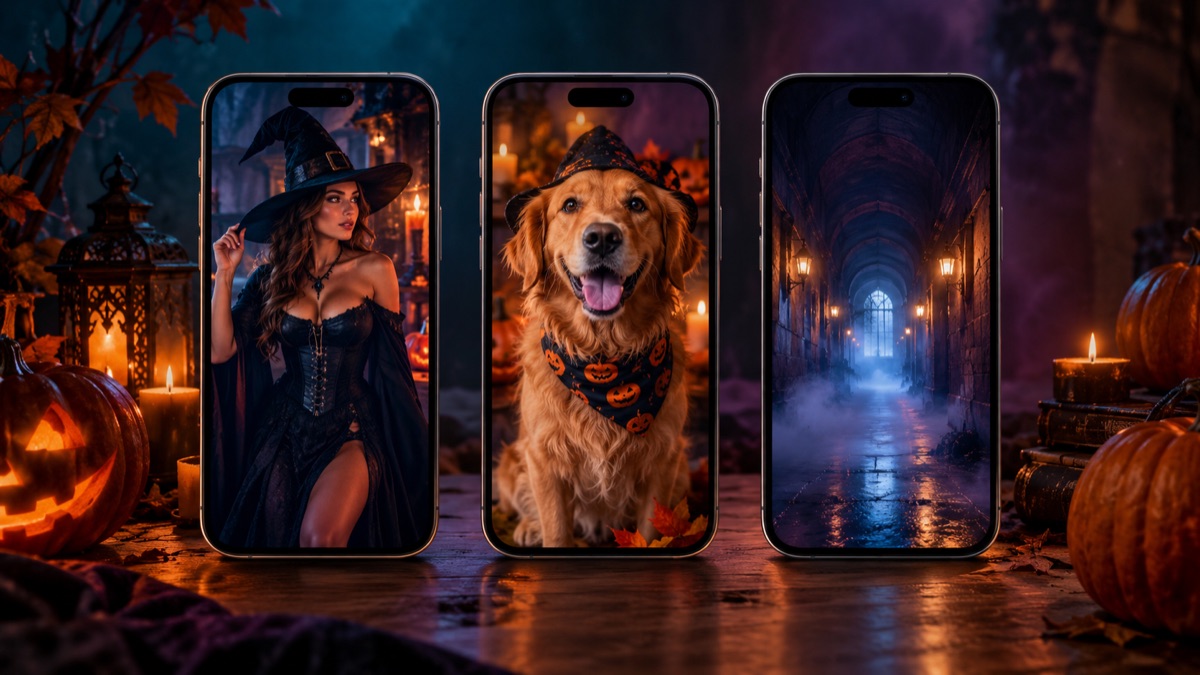
The First Second Is the Whole Video
Short-form video is a pattern interrupt. The viewer decides whether to stay before the costume is fully visible. Start with the result, not the process. A finished portrait, a glowing horn, a skeleton contour or a foggy corridor is a stronger hook than a title card that says 'Halloween costume idea'.
Then show the transformation. A split screen, a before-and-after wipe or a quick cut from the original selfie to the AI portrait gives the viewer a reason to keep watching. Save the explanation for the caption, not the first three seconds.
- Open on the finished look, not the setup.
- Use one visual change, not five.
- Keep the clip under ten seconds.
- Put the explanation in the caption.
- End on a loopable frame.
Fifteen Hooks That Fit the Studio
1. 'I turned my selfie into the haunted unicorn trend.' 2. 'POV: your costume is AI and your face is still yours.' 3. 'Skeleton makeup, but wearable.' 4. 'I gave my dog a baked potato costume.' 5. 'Couple costume test: cowboy and angel.' 6. 'This is what 5 seconds of fog does to a portrait.' 7. 'Rating my AI Halloween looks from 1 to 10.' 8. 'The prompt said keep my face. Did it work?' 9. 'Three costume ideas, one selfie.' 10. 'A Halloween portrait that blinks.'
11. 'I tried the Medusa and stone couple trend.' 12. 'Backrooms portrait: would you walk in?' 13. 'The cheapest way to preview Halloween makeup.' 14. 'Before you buy a pet costume, try this.' 15. 'One photo, three Halloween eras.' Each hook is specific, visual and easy to film with a phone and a generated image.
A Five-Second Script That Works
Frame one: the original selfie, unedited, with a plain caption such as 'my costume this year'. Frame two: the generated costume portrait. Frame three: a five-second video clip with a slow head turn. That is the whole video. The contrast between the ordinary selfie and the finished look is the story.
If you want a voiceover, keep it to one sentence: 'I used a free AI studio to preview my Halloween costume and it kept my face.' Do not read a list of features. The viewer can see the result; the voiceover should explain why it matters.
Make the Clip Loop
A loop increases watch time without requiring a longer video. The easiest loop is a slow camera push-in that ends on a frame close to the start. Another option is a candle flicker or a fog drift that returns to the same composition. Avoid a hard cut at the end; it breaks the loop and tells the viewer the video is over.
For a costume reveal, use a match cut: the original selfie in the same pose as the generated portrait. The viewer's eye connects the two frames and the transformation feels intentional.
| Idea | Hook | Asset |
|---|---|---|
| Costume reveal | I turned my selfie into... | Costume portrait |
| Makeup preview | Wearable skeleton makeup | Makeup edit |
| Pet portrait | My dog as a baked potato | Pet portrait |
| Couple test | Cowboy and angel | Two-person portrait |
| Living portrait | A Halloween photo that blinks | Five-second video |
| Liminal clip | Would you walk in? | Backrooms drift video |
Posting Checklist
Post vertically. Keep the face in the upper third. Add captions in the app so the video works with sound off. Use three to five relevant hashtags, not thirty. Label the content as AI-generated if the platform asks. Reply to the first few comments with a real answer; that is what turns a view into a follow.
Do not buy fake engagement, do not use a fake countdown and do not claim a costume is official when it is an original interpretation. The goal is a shareable idea, not a temporary spike.
What to Measure
Look at the first-three-second retention, the completion rate and the shares. A high view count with low retention means the hook promised something the video did not deliver. A high completion rate with low views means the hook is working but the distribution is small; post another variation.
Keep a simple note for each post: hook, asset, retention, shares. After ten posts you will know which costume category your audience responds to. That is more useful than guessing from one viral hit. Day one: post the strongest costume portrait as a still image with a one-line hook. Day two: post the before-and-after split screen. Day three: post a five-second animated clip. Day four: post a pet portrait. Day five: post a couple result or a honest fail. Day six: post a prompt breakdown carousel. Day seven: ask which look to try next. That is seven posts from one studio session, without repeating the same asset. Batch the assets in one sitting. Generate three portraits, one pet image and one video, then write five captions. Scheduling the posts is easier than generating on the day. Keep a note of which hook got the highest three-second retention and reuse that structure with a different costume. Do not chase a trend you cannot improve. If the trend is already saturated, a specific angle such as a pet costume or a couple fail will stand out more than another generic reveal. Watch the comments for questions. If three people ask how you kept the face, that is your next video. If someone asks for the prompt, post the prompt. The audience tells you what to make next; the algorithm only tells you what worked once. A small account with a clear niche and a repeatable format is easier to grow than a general Halloween account that posts every trend. Pick one format, repeat it for a month and change the costume, not the structure. Consistency is what turns a seasonal burst into an audience that comes back in December.
Frequently asked questions
Do I need to show my face on TikTok?
No. You can post the generated portrait or a pet image without showing yourself. If you use someone else's photo, get permission first.
Should I label AI-generated videos?
Yes, when the platform asks or when the image could be mistaken for a real photo. A clear label protects trust and does not reduce the creative value.
How long should the clip be?
Five to ten seconds. The studio produces five-second clips, which are long enough for a reveal and short enough to loop.