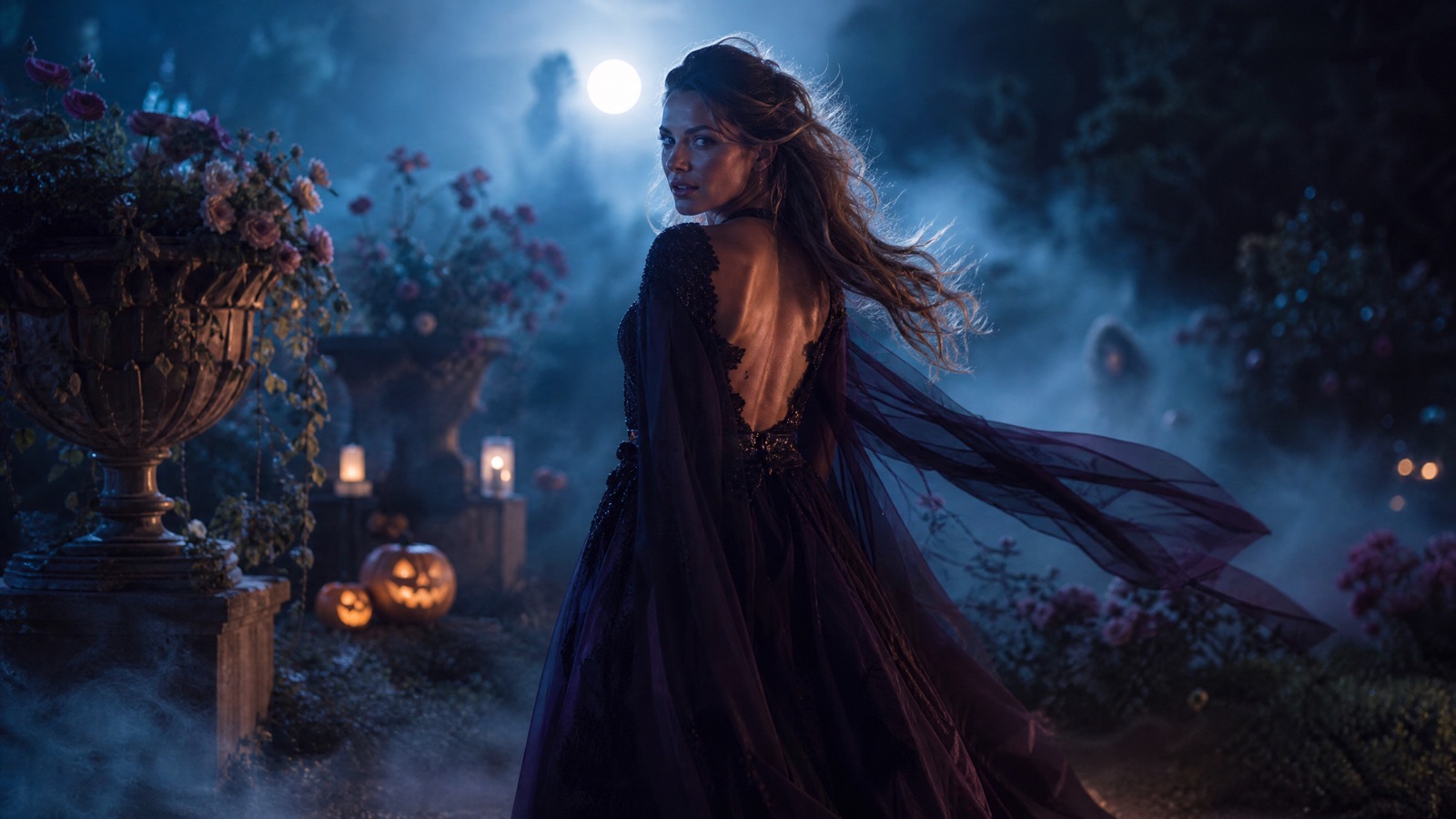
Original concept art generated with GPT Image 2 for this guide.
Animate this look
AI Halloween Video Generator
A still portrait is a good start. A five-second clip is what people actually share. Upload a costume photo or animate a result from this studio, choose a motion preset and get a short vertical-ready video without a timeline editor.
Updated
2 free images per day and 1 video per week. No sign-up.
Use the provided image as the exact visual reference and starting composition. Create a continuous five-second cinematic Halloween portrait animation. Keep the subject's recognizable face, costume, hairstyle and body proportions consistent. The subject slowly turns their head toward the camera with a subtle mysterious expression. A gentle breeze moves loose hair strands and the edges of the clothing. Soft fog drifts through the moonlit background. The camera performs a slow, smooth push-in. Maintain realistic motion, stable anatomy and consistent lighting. Do not change the person's identity, replace the costume, add characters or introduce scene cuts. No text or watermarks.
We do not store your photo. The provider processes it under its own retention policy.
Small Motion Beats Big Motion
Short AI videos look best when the movement is restrained. A slow head turn, a blink, drifting fog and a gentle push-in give the model fewer chances to break a hand or change a face. The presets avoid walking, dancing and fast camera moves for that reason. If you want a dance clip, use a dedicated motion-transfer tool; a single portrait plus a text prompt is not the right input.
How the Video Pipeline Works
The server sends your image to Wan 2.6 Flash image-to-video for a five-second 720p clip. If the primary model is unavailable, it retries with Kling 2.6 at the same duration. The result is a normal MP4 you can download. Video generation takes longer than an image, so the page polls the task status and shows a clear waiting state instead of a fake progress bar.
Which Image to Start From
Use a portrait with a clear face, visible shoulders and a simple background. A half-body crop animates better than a tiny full-body shot because the model has more pixels on the face. If you are animating a studio result, download the image first and upload it here rather than using a screenshot from social media. Compression artifacts become visible motion artifacts.
Posting and Aspect Ratio
The current video preset produces a landscape or source-matched frame. For TikTok, Reels and Shorts, crop in your phone's editor or generate from a portrait-oriented image. Keep the clip short, add captions in the app and avoid re-encoding the file several times before posting.
How it works
Upload a portrait Use a finished costume image with a clear face.
Choose a motion preset Start with Moonlit Turn, the most stable option.
Generate the clip Video takes one to three minutes depending on the queue.
Download and crop Save the MP4 and crop for vertical social formats.
Frequently asked questions
How long is the generated video?
Five seconds. That is long enough for a loop or a hook and short enough to keep the generation cost and failure rate low.
Can I animate a photo of a pet?
Yes, but choose a very small motion. Pet anatomy is harder for video models; a slow head turn works better than a full-body walk.
Why does the video sometimes change the face?
Video models trade identity consistency for motion. The prompt asks for stable anatomy and consistent lighting, but a clean source image and a simple motion preset remain the best safeguards.