One selfie. Endless Halloween looks. Pick an original preset, upload a photo you have the rights to use, and generate a costume portrait or a short cinematic video. No account, no watermark and no fake download button. Two image generations per day are free.
Updated
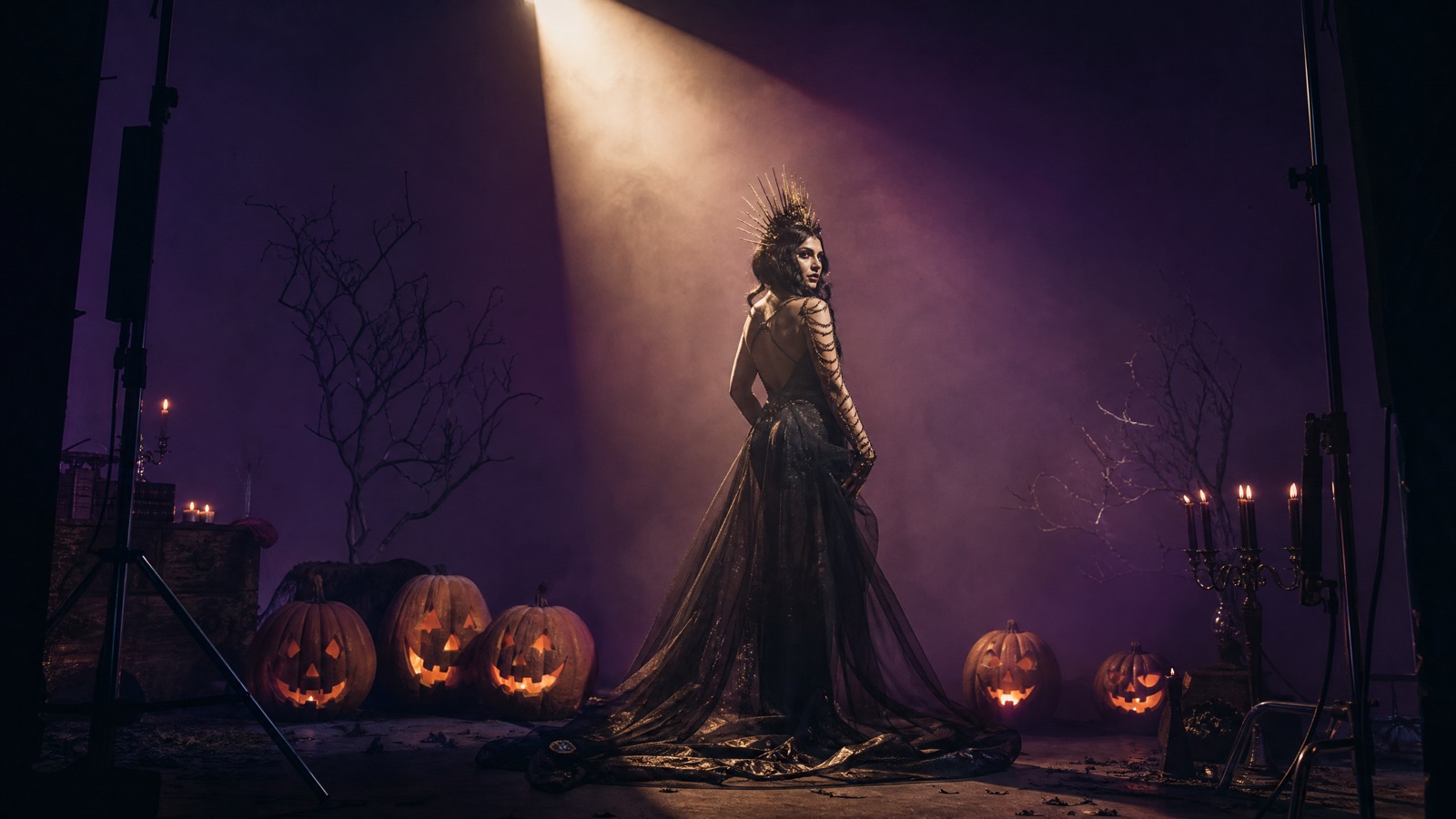
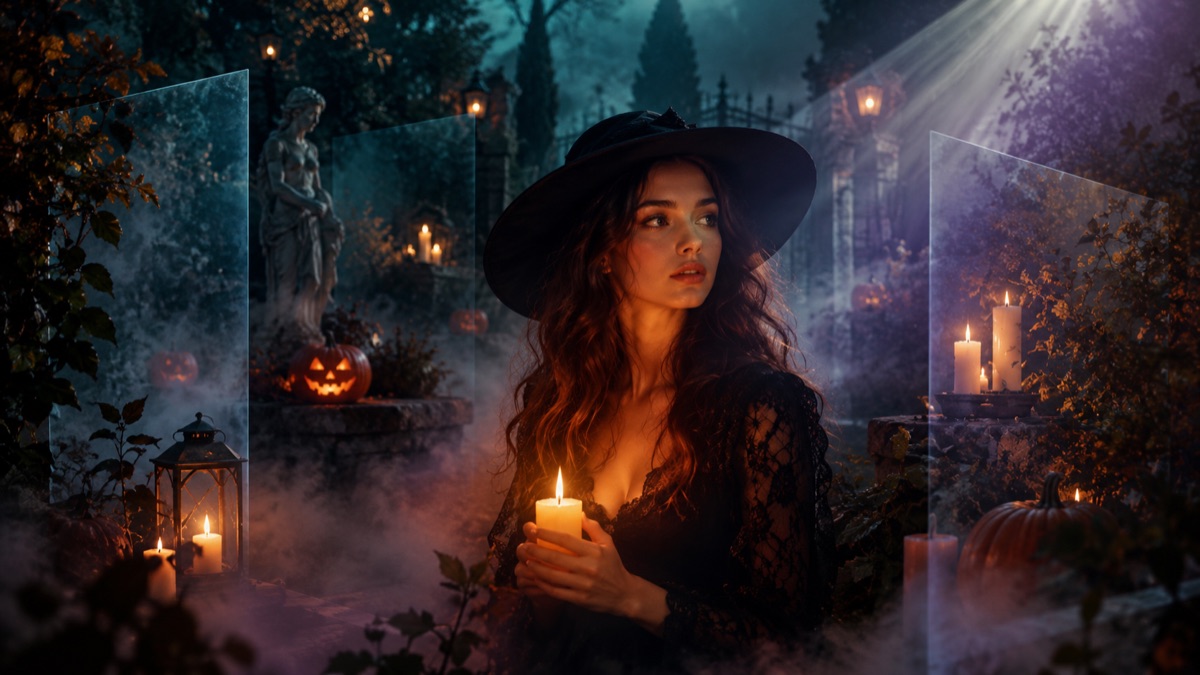
Original concept art generated for this guide with GPT Image 2. Not a user photo.01
AI Halloween Costume Generator
Upload one clear selfie, choose a costume preset and get a photorealistic Halloween portrait that still looks like you. The prompt protects your face, skin tone and body proportions while changing the hair, outfit, background and lighting.
This editor changes the mood around you instead of replacing you. Add fog, candlelight, a haunted garden or a club-ready makeup look while the prompt keeps your face and body proportions intact.
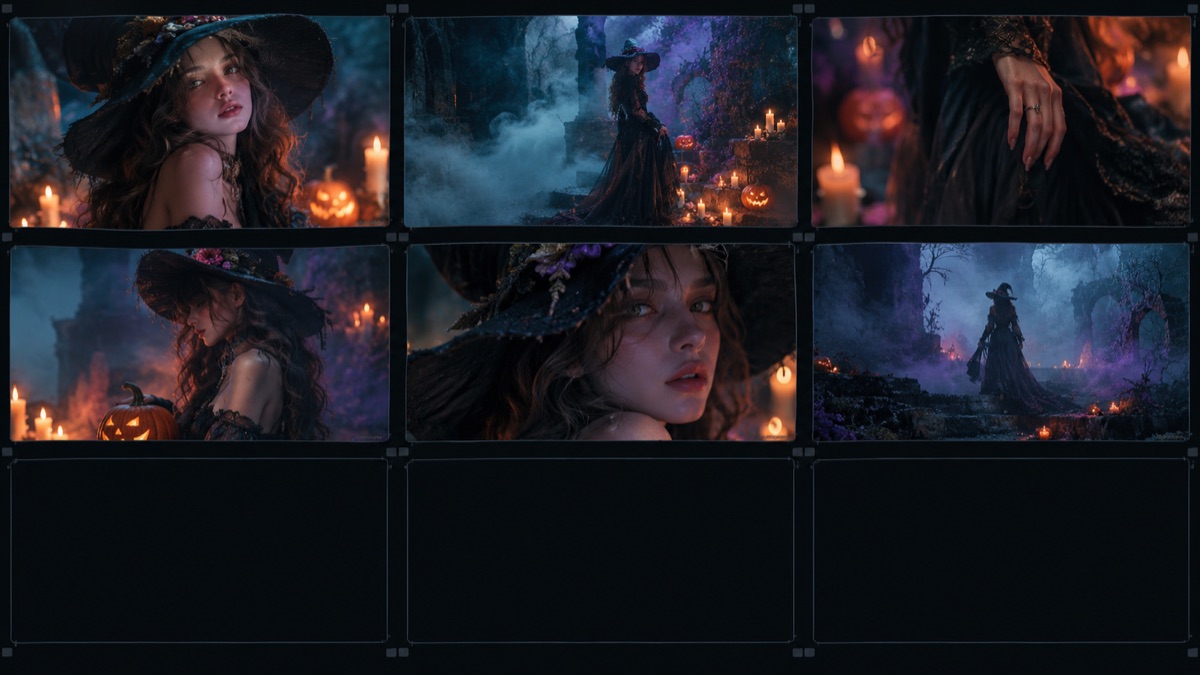
A still portrait is a good start. A five-second clip is what people actually share. Upload a costume photo or animate a result from this studio, choose a motion preset and get a short vertical-ready video without a timeline editor.
The studio has three jobs. The costume generator turns a selfie into a wearable Halloween look while keeping the face recognizable. The photo editor changes the background, light and makeup without turning the person into someone else. The video generator animates a finished portrait with a slow turn, candle flicker or liminal corridor drift. Every tool uses the same short preset system, so you can move from a still image to a five-second clip without starting over.
How the Free Limit Works
Image generations are limited to two per visitor per day, and video generations to one per visitor per week. A global daily cap protects the studio budget. When the cap is reached, the page says so instead of pretending to work. No payment details are requested, because this studio is a free seasonal tool funded by the guide's advertising. If you need dozens of images for a party, use the prompt library and run the prompts in your own image tool.
Why the Presets Look Consistent
Each preset is a tested prompt, not a one-word style tag. The prompt names what must stay the same (face, skin tone, body proportions, number of people or pets), what may change (hair, outfit, background, lighting), and what must not appear (extra limbs, swapped faces, text, logos, watermarks). That structure is why the results look like a styled portrait instead of a random costume collage.
Privacy and Photo Rights
Upload only a photo you own or have permission to use. Images are sent to the generation provider for processing under its own retention policy. This site does not create an account, does not publish your uploads and does not keep a copy of your original photo. Do not upload images of minors, identity documents or anyone who has not agreed to the edit.
Choose a preset Open a tool and select the look that matches the result you want.
Upload a clear photo Use a front-facing photo with even light and no other people unless the preset supports a couple.
Confirm you have rights Tick the consent box before the generate button becomes available.
Generate and download Wait for the result, then download the image or animate it with a video preset.
Frequently asked questions
Is the Halloween AI Studio free?
Yes. Each visitor can generate two images per day and one video per week while the daily studio cap lasts. There is no sign-up and no payment step.
Which AI models do you use?
Images use GPT Image 2 through KIE, with a Nano Banana edit fallback when the primary model is unavailable. Videos use Wan 2.6 Flash image-to-video, with Kling 2.6 as a fallback for short portrait clips.
Do you store my uploaded photo?
No. The site sends the photo to the generation provider for processing and does not keep a copy. The provider's own retention policy governs how long it keeps the file.
Can I use the result commercially?
You own the rights to your original photo. The generated result is provided for personal and social use; check the provider terms before using it in paid advertising or merchandise.
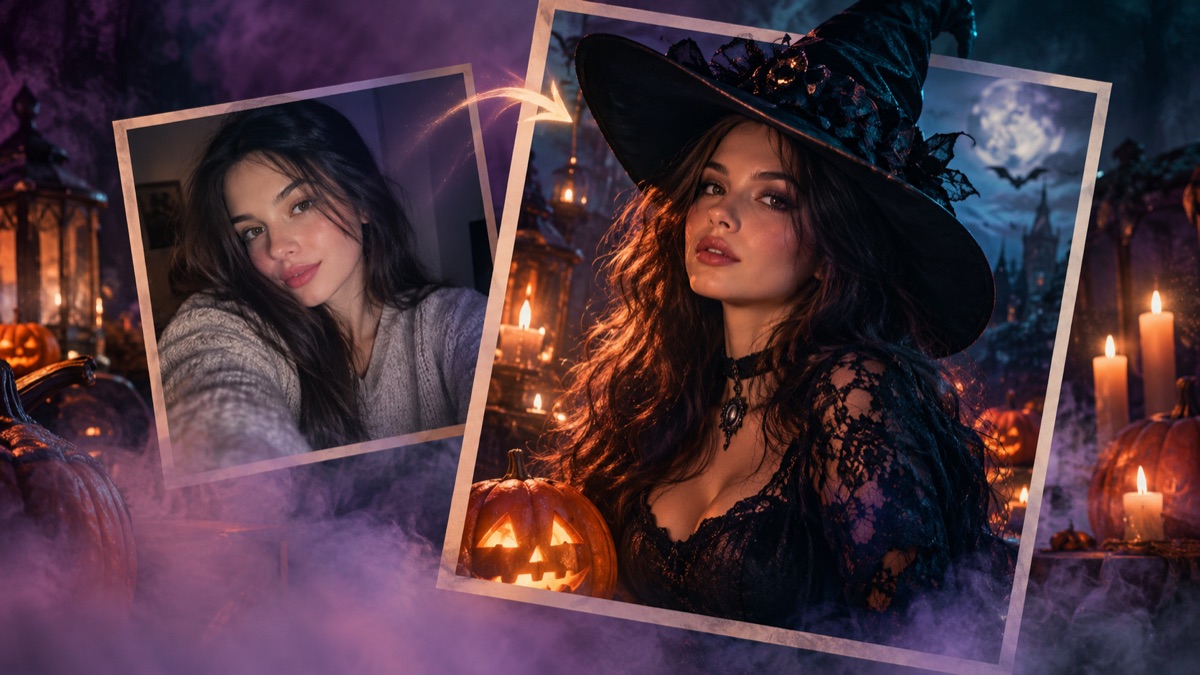 How to Turn a Selfie Into a Halloween Costume with AI (2026)
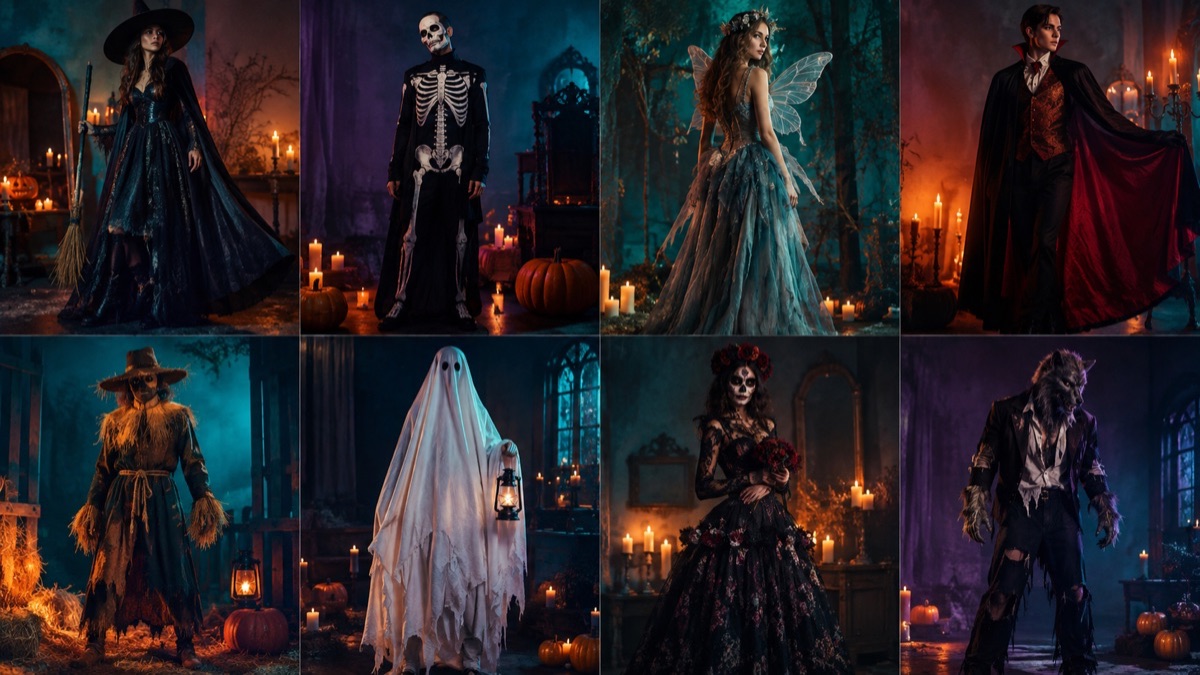 25 AI Halloween Costume Ideas That Look Good in 2026
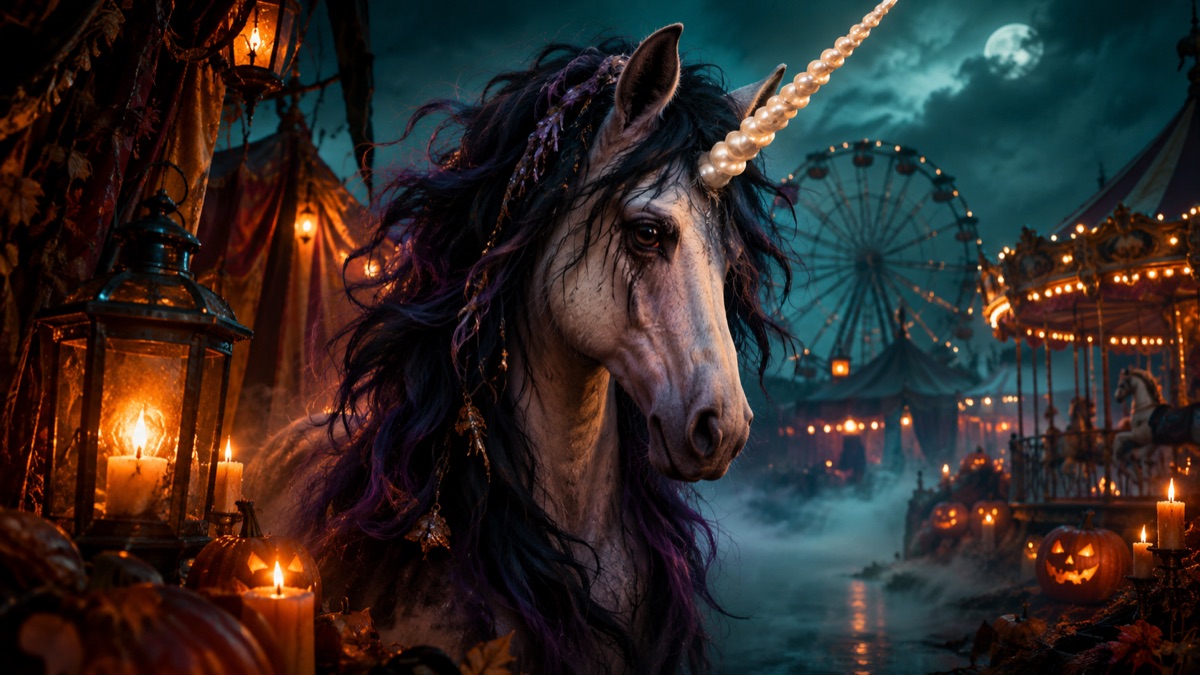 Buddy the Unicorn Costume: Why the Trend Is Everywhere
 Halloween Photo Editing: Fog, Candlelight & Realism
 15 AI Halloween Video Prompts for 5-Second Clips
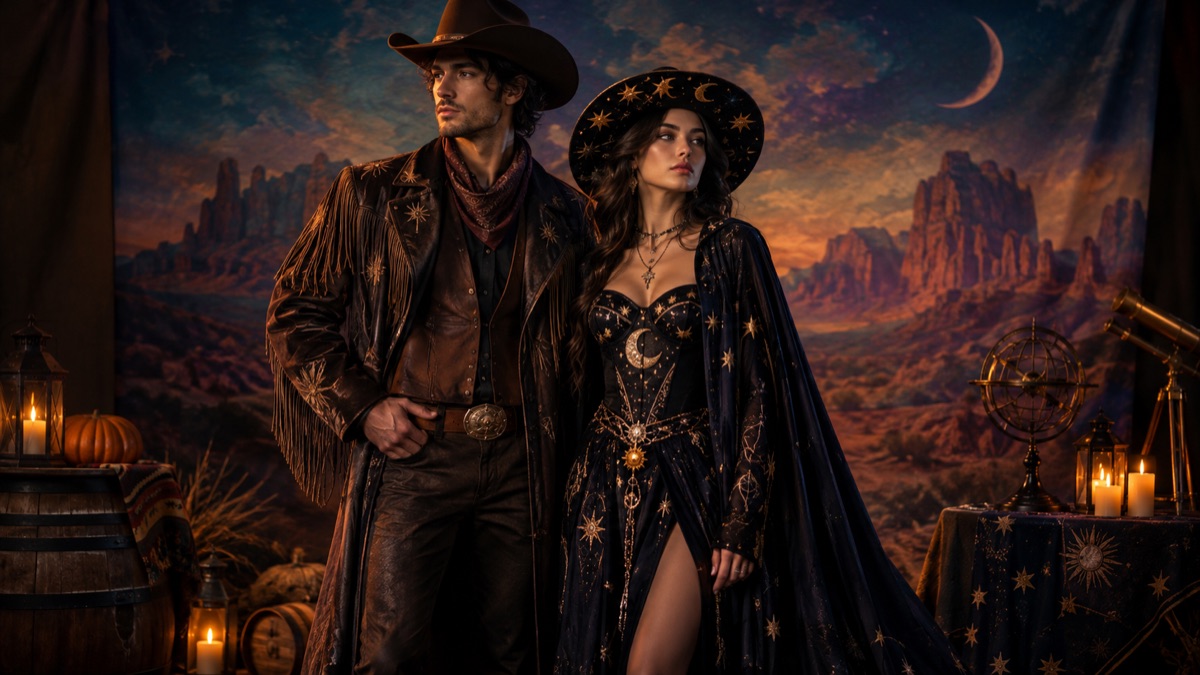 Couple Halloween Costumes 2026: 12 Ideas That Work in Photos