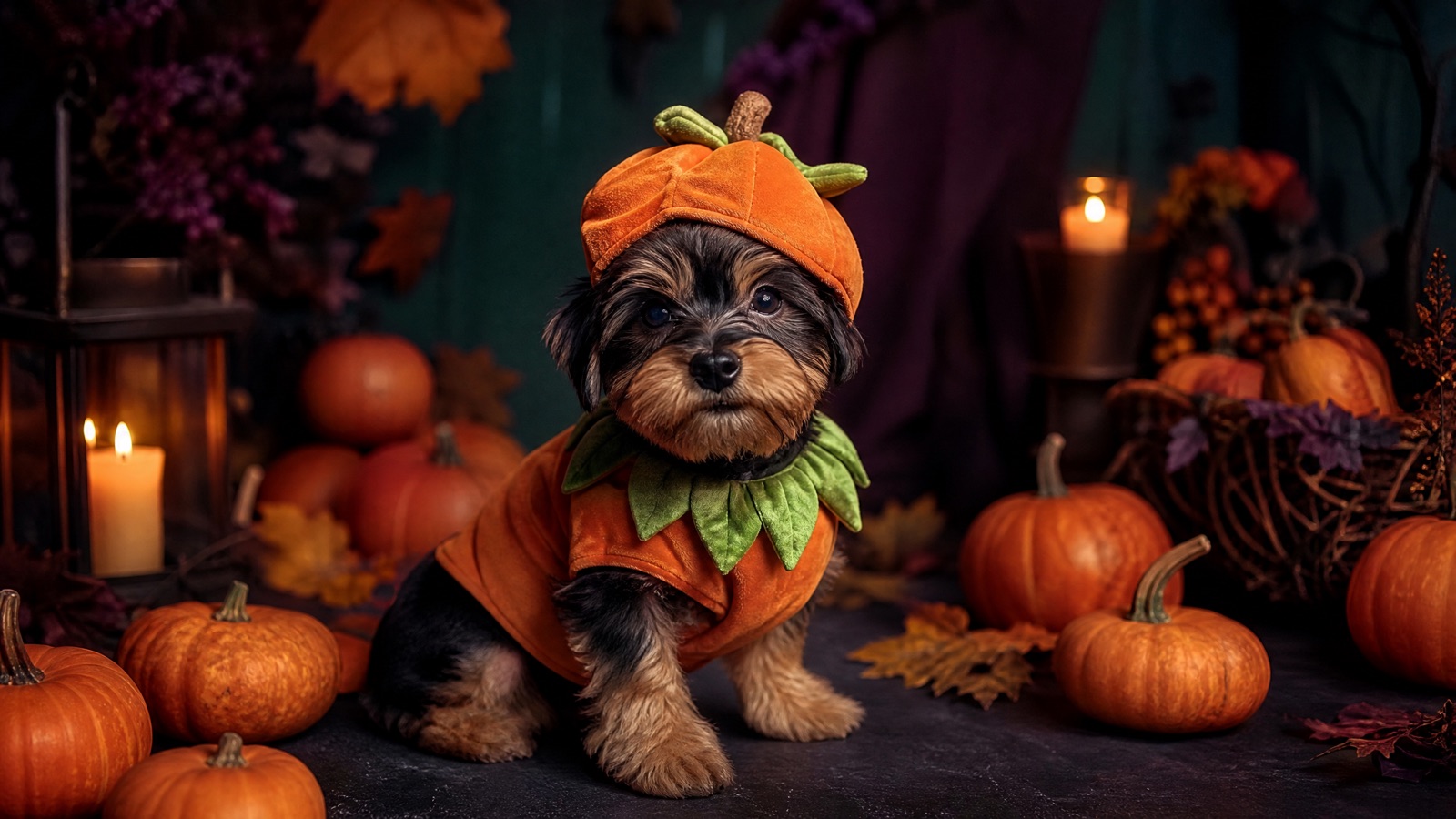
Original concept art generated with GPT Image 2 for this guide.
Fur-safe costumes
Halloween Pet Costume Generator
Pet costume photos are hard to take and harder to keep still. Upload one clear photo of your dog or cat and generate a studio-quality Halloween portrait that preserves the breed, fur colour, markings and eye colour.
Updated
2 free images per day and 1 video per week. No sign-up.
Use the uploaded pet photo as the primary reference. Preserve the animal's original breed, fur colour, distinctive markings, eye colour, facial appearance and natural anatomy. Dress the pet in a soft pumpkin-inspired Halloween costume with a small green leaf accessory. Keep the costume fitted naturally without covering the animal's eyes or changing its species. Place the pet in a cosy autumn photography studio with warm lighting and miniature pumpkins. Create a photorealistic professional pet portrait with realistic fur texture and natural shadows. Avoid extra animals, unnatural paws, duplicated limbs, text and watermarks.
We do not store your photo. The provider processes it under its own retention policy.
What the Prompt Protects
Pet generators often turn a dog into a different breed or change the markings that make the animal recognizable. The pet presets explicitly preserve breed, fur colour, distinctive markings, eye colour, facial appearance and natural anatomy. They also keep the costume clear of the eyes, ears and muzzle, because a costume that covers the face reads as a different animal.
The Best Photo for a Pet Edit
Take the photo at your pet's eye level, with the whole head and most of the body in frame. Avoid motion blur, red-eye and heavy shadow. A treat held just above the camera usually gets a forward-facing expression. If your pet has a dark coat, use a lighter background so the model can separate the fur from the scene.
2026 Pet Costume Trends
The playful searches this year are food and glow themes: baked potato, stick of butter, glow-in-the-dark dinosaur and pumpkin. These work well in AI because the silhouette is simple and the joke reads instantly. Avoid costumes with many small props or text; image models tend to merge the details into a fuzzy shape.
Safety and Honesty
This is an AI portrait, not a photo of a real costume. Do not present it as a product photo or as evidence that a physical costume fits a real animal. If you plan to buy a costume, check the seller's sizing and safety guidance separately. Never put a real pet in a costume that restricts breathing, vision or movement for a photo.
How it works
Choose a pet preset Pick a food, glow or pumpkin look.
Upload one pet photo Use a sharp, eye-level photo with the head fully visible.
Generate The prompt preserves breed, fur and markings.
Download and share Add your pet's name in the caption, not in the image.
Frequently asked questions
Can I generate a costume for a cat?
Yes. The pet presets are species-neutral within dogs and cats, and the prompt asks the model to preserve the animal's original anatomy and markings.
Will the costume cover my pet's face?
The prompts explicitly keep the costume clear of the eyes, ears and muzzle. If a result covers the face, generate again with a clearer photo.
Can I use the image on a product listing?
Do not use an AI-generated pet portrait as a product photo. It can misrepresent the fit, material and safety of a real costume.